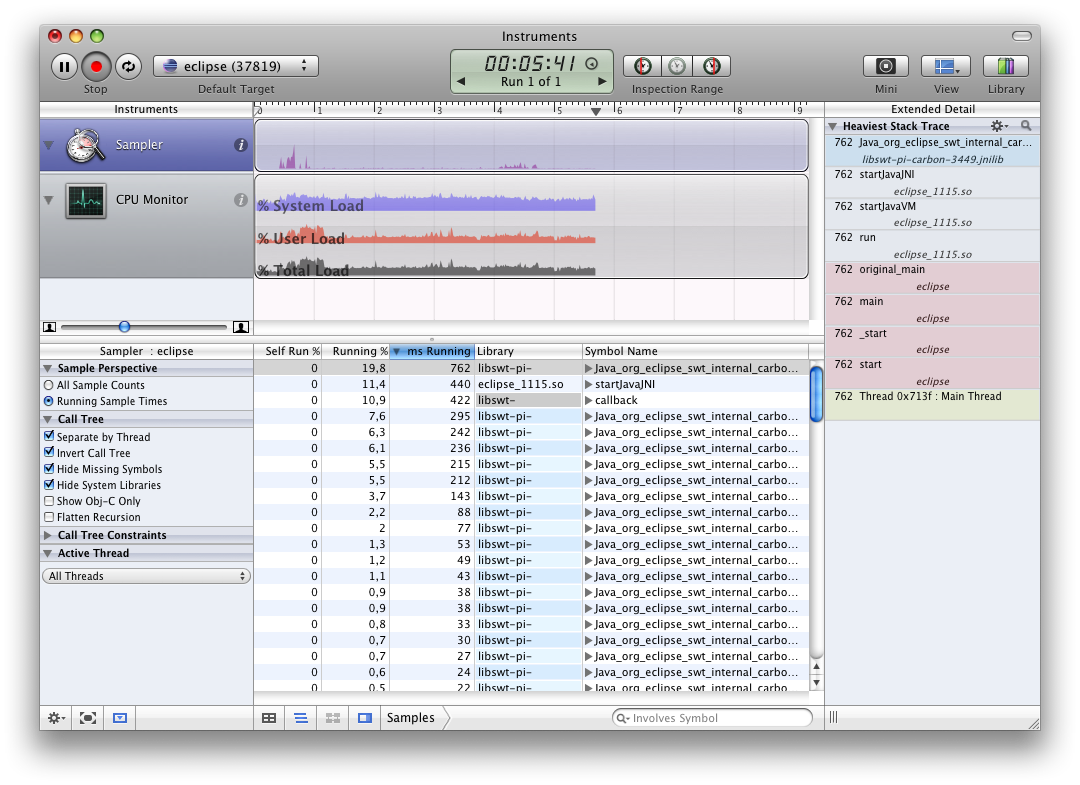
 Did you know that your installation of Leopard comes with a built-in performance monitor? It’s called “Instruments” and you can attach it to any process currently running. In the screenshot you see here I attached it to an instance of Eclipse while running some unittests.
Instruments has some nice templates for you to choose from, and you can monitor CPU activity per thread, disk I/O, User Interface activity, Object allocations, and leaks. Just so you know, it might come in handy.
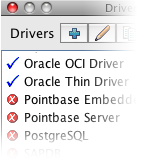 If you’re a SQuirreL SQL fan like me, and you use a Mac, you probably also want to know how to add a driver to the OSX version of the application. Most people just point to an external jar file, but you can also add drivers to the application bundle. There’s not much to it, but it took me some time to discover that I actually had to edit the plist file in the bundle after adding the driver.
 The last few weeks I was frustrated about not being able to write any code for the project I am on at work. My days are filled with email,
 At work, we’ve got two Oracle databases and a Java web application. One of the tasks of the web application is to copy tables over from one database to the other. Last week we ran into a funny problem which turns out to be an Oracle bug.