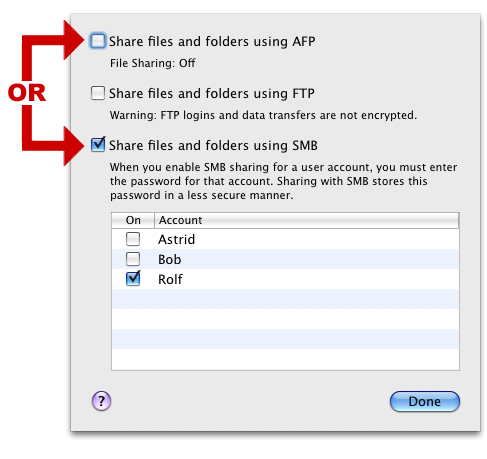
I recently upgraded the operating system on my trusty Mac Mini G4 home fileserver from Tiger to Leopard. In addition to the out-of-the-box backup, I no longer have to use SharePoints to manage my network shares. In Leopard, I can just right-click them and arrange the sharing.
In doing so, I decided to switch on both SMB and AFP sharing for all shares. The idea was that my Macs all would use AFP automatically, and all Windows machines would see the SMB mounts. After a few hours, iTunes began acting up on me, because it decided to switch between the SMB and AFP protocol (or so it seemed). Finder also seems to have some trouble listing network shares if the exact same name on the same server is shared with two different protocols.
Because there are people on my network with Windows machines, I decided to switch off the AFP protocol and only go with SMB. I haven’t had problems since.
If you’re sharing drives like I’m doing, go for SMB. It may not be the technically superior solution, but it will “just work”. You can easily switch to AFP when the world is freed of Windows machines. 😉



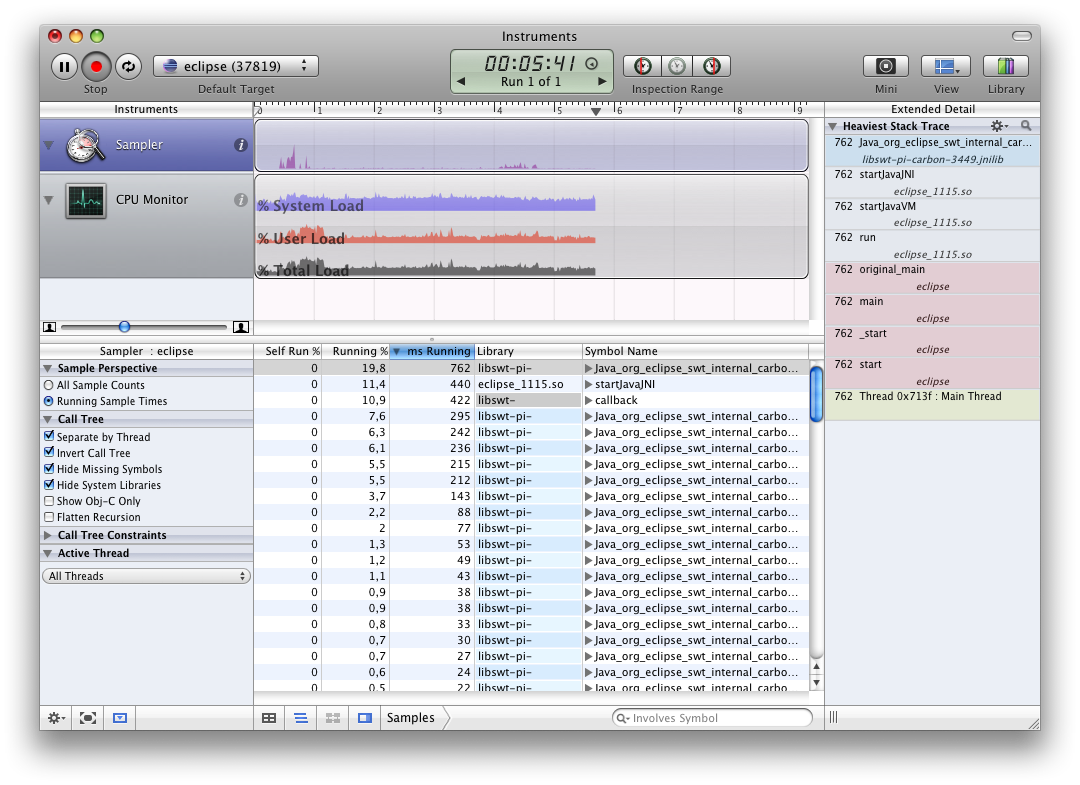
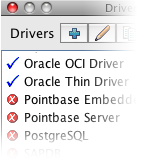 If you’re a SQuirreL SQL fan like me, and you use a Mac, you probably also want to know how to add a driver to the OSX version of the application. Most people just point to an external jar file, but you can also add drivers to the application bundle. There’s not much to it, but it took me some time to discover that I actually had to edit the plist file in the bundle after adding the driver.
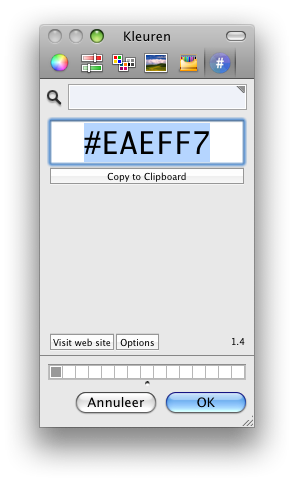

 The last few weeks I was frustrated about not being able to write any code for the project I am on at work. My days are filled with email,