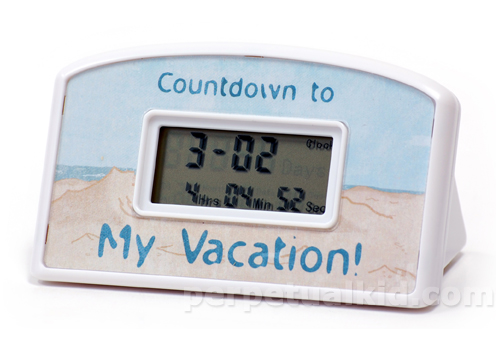
 You know how it is on vacation. You take your camera, shoot pictures, and when you get home you see that you forgot to set the date/time on your camera. Even worse: your wife also took a camera with her, and she actually read the manual and set the time correctly. So now you have two sets of photos with mismatching date/times. Now what?
It turns out that there is actually a pretty simple trick to solve this, and you don’t even haven to install exiftool or do funny command line voodo. If you have iPhoto and a mouse, here’s what you do:




 Next time you see a guy with a D200, don’t be impressed. The guy behind him with his old
  Sure the 350D gives me nice resolution and more freedom to play with aperture and exposure times and I still like the camera after reading Kens article. But he is right. Period. I recently spoke to a guy who owned an EOS 300 just like I did. He looked at one of my photo’s from the 350D and said “I’ve got to have that camera, how did you do that?”. I explained “aperture” to him and told him that he could do that with his own EOS 300 if he had taken the time to learn how to use it.